 KOTO
KOTOImage to video · on KOTO
Image to video
animate any photo
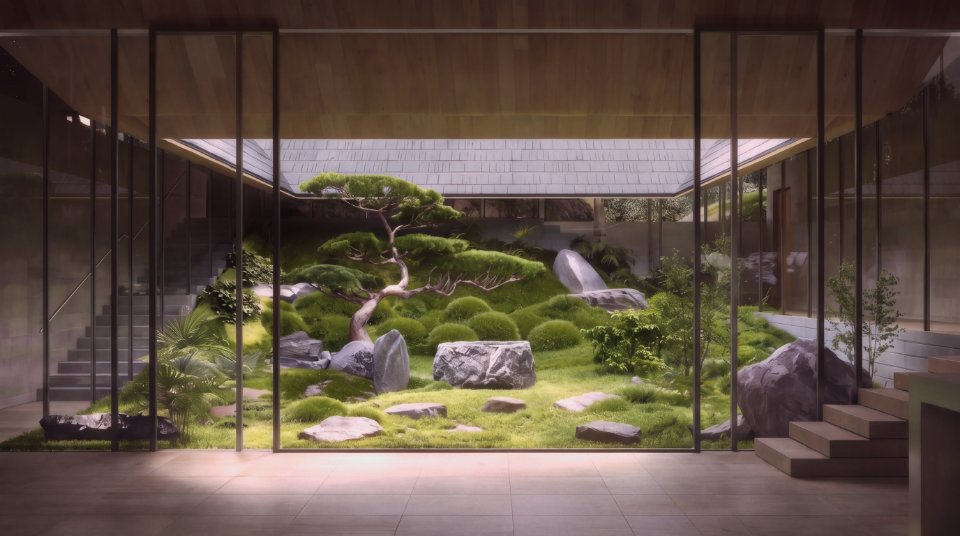
Drop in a photo or an Image Dream render as the first frame, add an end frame if you like, and describe the motion. Kling, Veo, Seedance and more take it from there.
Why KOTO
One workspace for all of it
Give the first and last frame and the model fills in the motion between.
Press Animate on any render and it lands in Video Dream as the start frame.
Seedance reads up to nine reference images to keep a character or product consistent.
How it works
1
Type a prompt, or tap an idea above.
2
60 credits to start, 6 more every day. No card.
3
It opens in Video Dream with your prompt loaded.
FAQ
Questions
Which models do image to video?
Kling 3.0, Veo 3.1, Seedance, Wan 3.0, MiniMax H3, Grok Imagine and more.
Can I use my own photos?
Yes, PNG, JPEG or WebP.
What does it cost?
The price shows per option before you generate; new accounts get 60 free credits.
Models on KOTO
Google’s Veo 3.1 turns a prompt, or a start and end frame, into a clip with sound.
Kling AI
Kling 3.0 Turbo makes 3 to 15 second clips in 720p or 1080p, in landscape, vertical or square.
ByteDance
ByteDance’s Seedance 2.5, 2.0 Pro and 2.0 Fast: clips up to 30 seconds, up to nine reference images and a reference video to lock in a look..
Also
Start free
Image to video, free to start
60 credits on sign-up, no card needed.